
Call summaries
Every call ends with a text to you
You do not have to log in to find out what happened. When a call to your Glow Line number ends, a text goes to the mobile you signed up with. A booking request reads as a booking request: the name, the service, the preferred time and the mobile. Anything else arrives as a short summary of what the caller said.
What the text says
It starts with your business name so you know which account it is about. A booking request lists the caller's name, the service they asked for, the day and time they prefer and their mobile. A message is summarised in a line or two. If the call was past your month's allowance, a short note at the end says so and points you to Billing.
- Business name first
- Booking request: name, service, preferred time, mobile
- Message: a short summary
- A note when the call was over the allowance
On the Bookings page
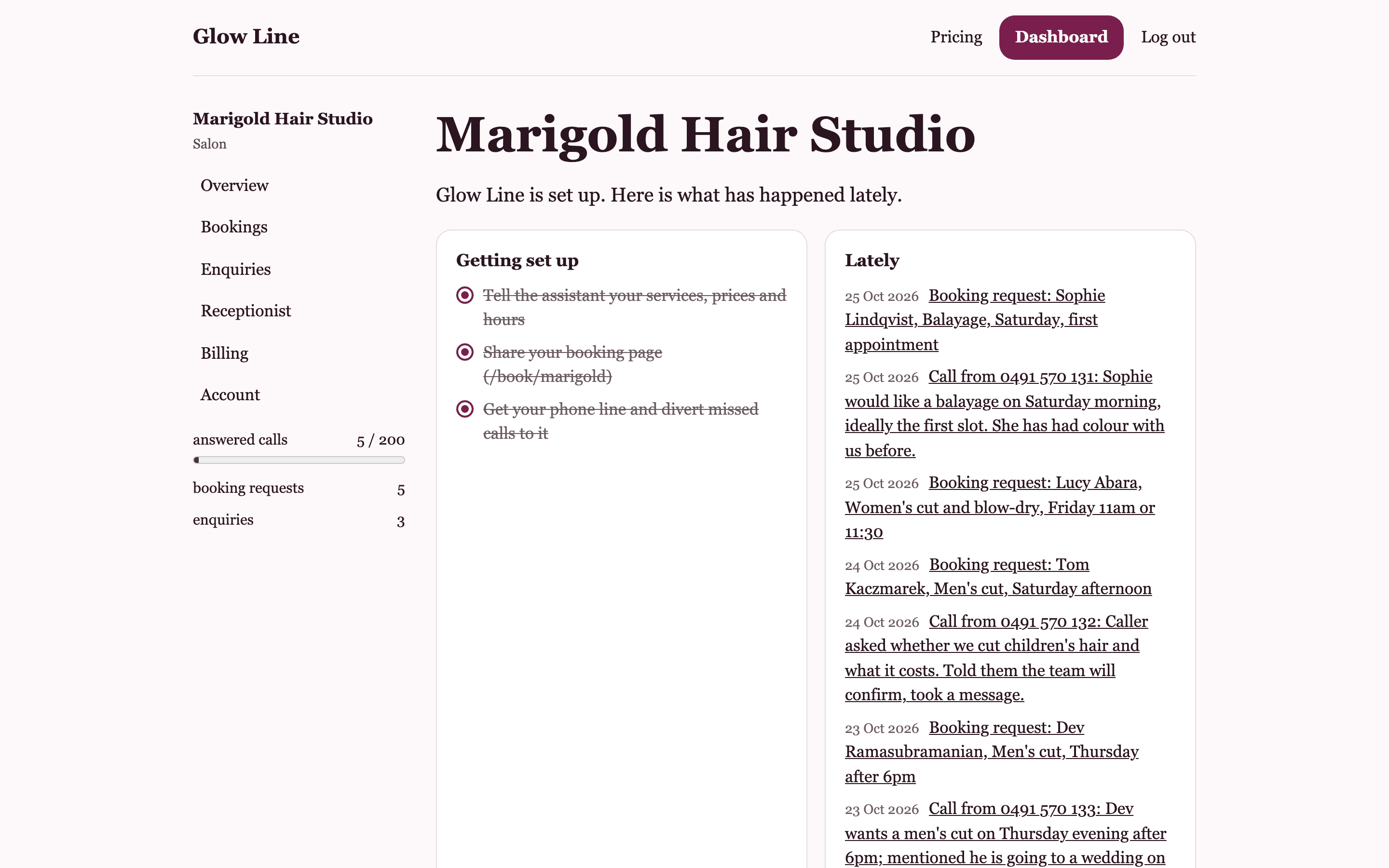
Recent calls are listed under your booking requests with the number that rang, the time, and the summary. A call that produced a booking request also appears above as a request, so you have the text to the client one tap away.
What is kept
Glow Line keeps the call's summary, the number it came from, when it started and ended, and the words exchanged, so a request can be checked if a client's memory and yours differ. The dashboard shows the summary. Glow Line itself stores no audio file; the voice provider processes the call, and the security page says how.
Questions about call summaries
Can the texts go to a second number?
Texts go to the mobile on the account, the one verified at sign-up. One mobile per account.
Is there a text when someone uses the booking page?
No. Page requests appear on your Bookings page. The text after a call is for the phone line.
Give the phone to someone who only says what you told them
Set up your services and hours, share the booking page, and add the line when you are ready. Free to start, no card.